Dafür gibt es keine Ankündigung. Für HomeView nennt Apple neben den eigenen Apps kompatible Audio- und Video-Apps, einen App Store erwähnt Apple nicht. Controller läuft auf iPhone, iPad, Mac, Apple TV und Apple Watch.
Die HomeView-Alternative
Kein HomeView in Deutschland? Brauchst du auch nicht.
Für dein Zuhause kann dein iPad mit Controller ohnehin mehr.

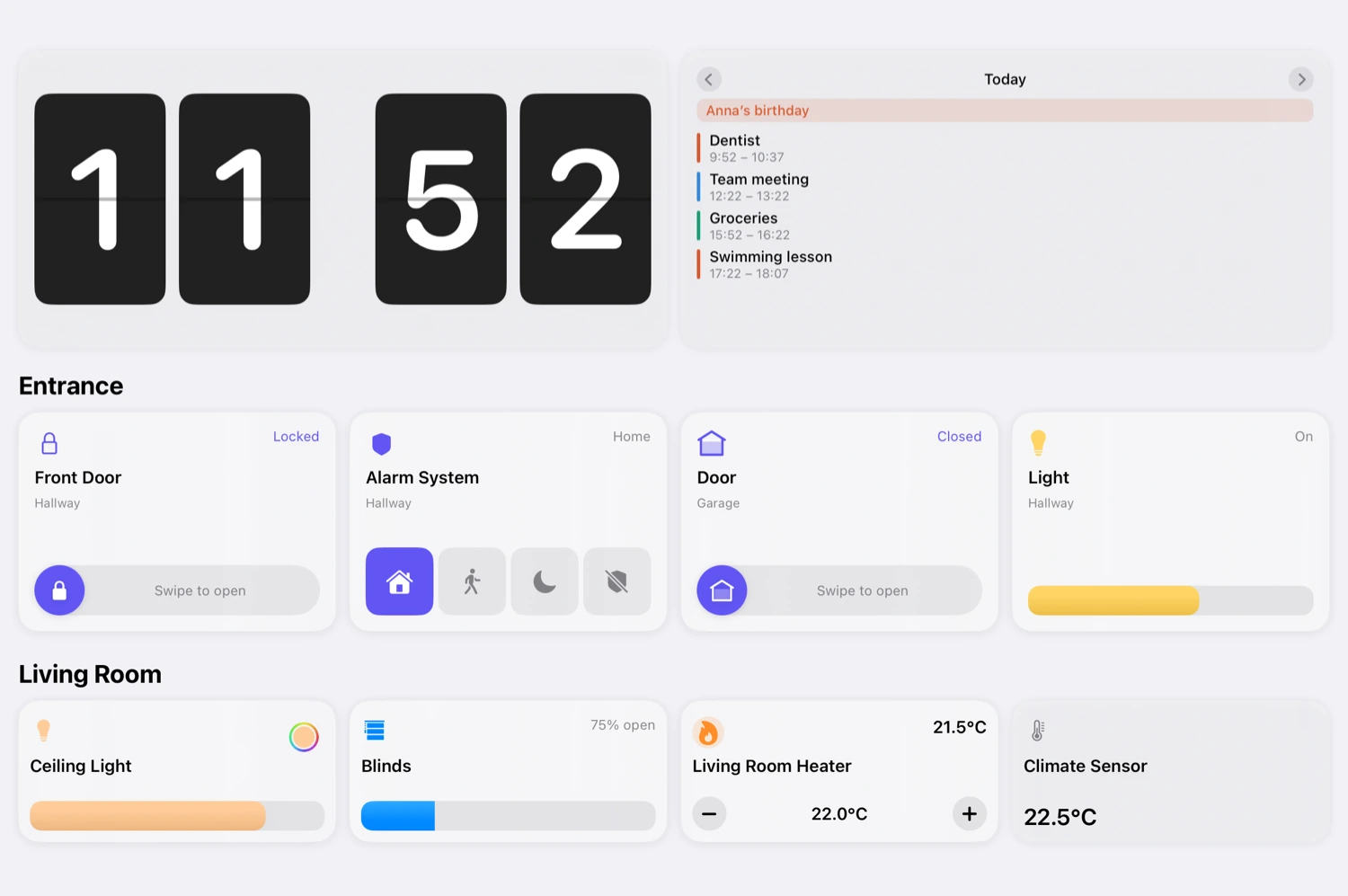
Controller
Was dein iPad mit Controller kann.
HomeView und iPad im Vergleich
| Funktion | Apple HomeView | iPad mit Controller |
|---|---|---|
| Hier ist HomeView stärker | ||
| Siri | Apple HomeViewJaSiri AI, Beta auf Englisch | iPad mit ControllerEingeschränktSiri des iPad |
| Klang | Apple HomeViewJaZwei Lautsprecher, Tieftöner nur mit Fuß | iPad mit ControllerEingeschränktiPad-Lautsprecher |
| Personenerkennung | Apple HomeViewJaBis zu sechs Personen per Gesicht | iPad mit ControllerEingeschränktDashboards pro Person |
| Hier ist das iPad mit Controller stärker | ||
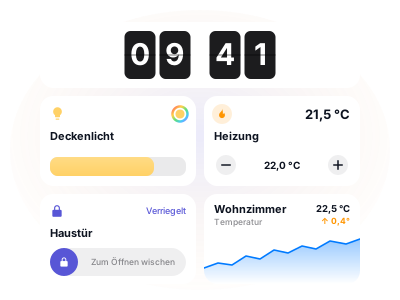
| Eigene Dashboards | Apple HomeViewEingeschränktZifferblatt „Home Modular“ | iPad mit ControllerJaFrei gestaltbar, mit Regeln |
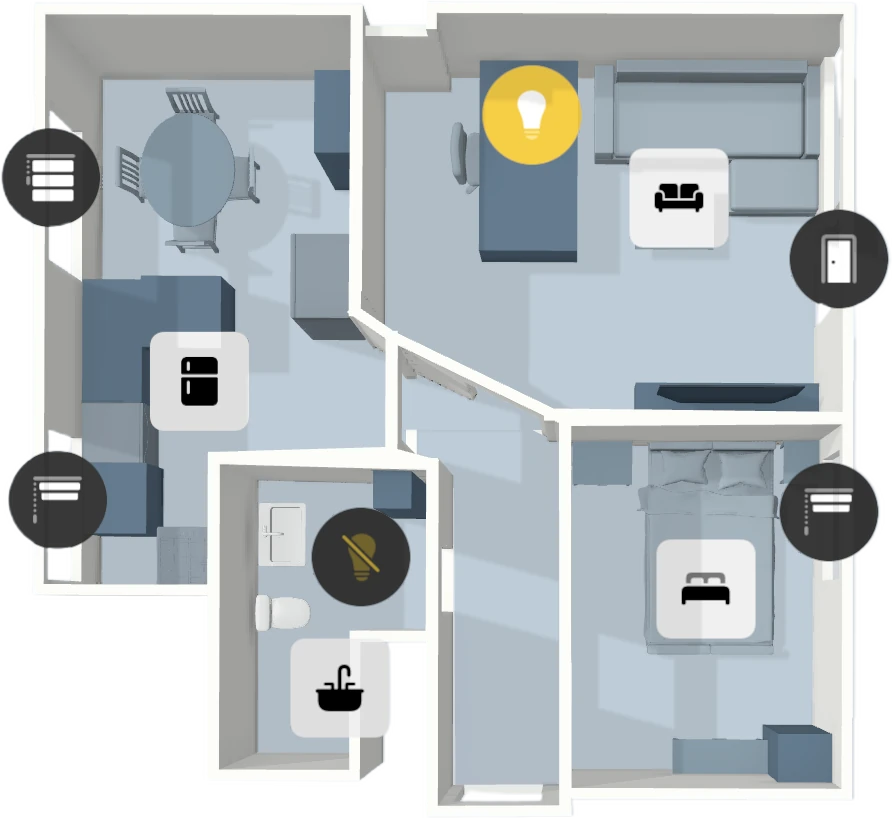
| Grundriss | Apple HomeViewNicht genanntNicht genannt | iPad mit ControllerJa3D-Scan oder eigenes Bild |
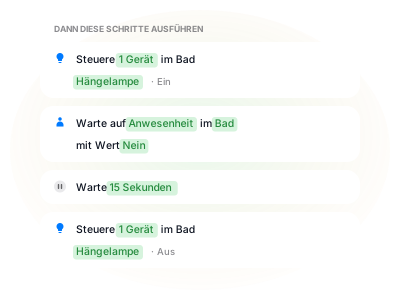
| Automationen | Apple HomeViewEingeschränktAutomationen von Apple Home | iPad mit ControllerJaWorkflows mit Logik, rund um die Uhr |
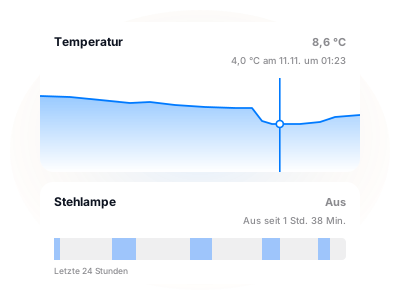
| Verläufe | Apple HomeViewNicht genanntNicht genannt | iPad mit ControllerJaVerläufe mit Controller Hub |
| Verfügbar | Apple HomeViewEingeschränktAb 13. November, nicht in der EU | iPad mit ControllerJaHeute |
Angaben zu HomeView laut Apple, Stand 13. Oktober 2026.
Häufige Fragen
Ja, dort wo HomeView erhältlich ist. HomeView kann als Steuerzentrale für Apple Home dienen. Controller arbeitet mit dem Zubehör, das in Apple Home eingerichtet ist und das Apple für Drittanbieter-Apps freigibt. Controller selbst nutzt du auf iPhone, iPad oder Mac.
Ja. Der Controller Hub ist Teil von Controller Plus. Dashboards, Workflows und Floor Plan gibt es schon in Controller Essentials.
Als Controller Hub ja: Das iPad bleibt eingeschaltet und entsperrt, Controller bleibt im Vordergrund geöffnet. Dafür eignet sich jedes iPad mit iPadOS 17 oder neuer, das dauerhaft am Strom hängt und im WLAN bleibt. Nutzt du das iPad nur als Dashboard, gilt das nicht.
Das iPad, das du schon hast.
Controller laden. Dashboard bauen. iPad an die Wand.
HomeView, iPad, Apple TV und HomePod sind Marken der Apple Inc. Controller for HomeKit ist ein unabhängiges Angebot und nicht mit Apple verbunden.