




Setup Tips
- Keep the device plugged in at all times.
- Disable Auto-Lock: Settings > Display & Brightness > Auto-Lock > Never.
- Disable auto-updates: Settings > General > Software Update > Automatic Updates > Off.
- Prevent the device from locking - the screen must stay on.
- Use the built-in Screensaver in Controller for HomeKit. In Controller Hub settings, set a screensaver timer to save energy.
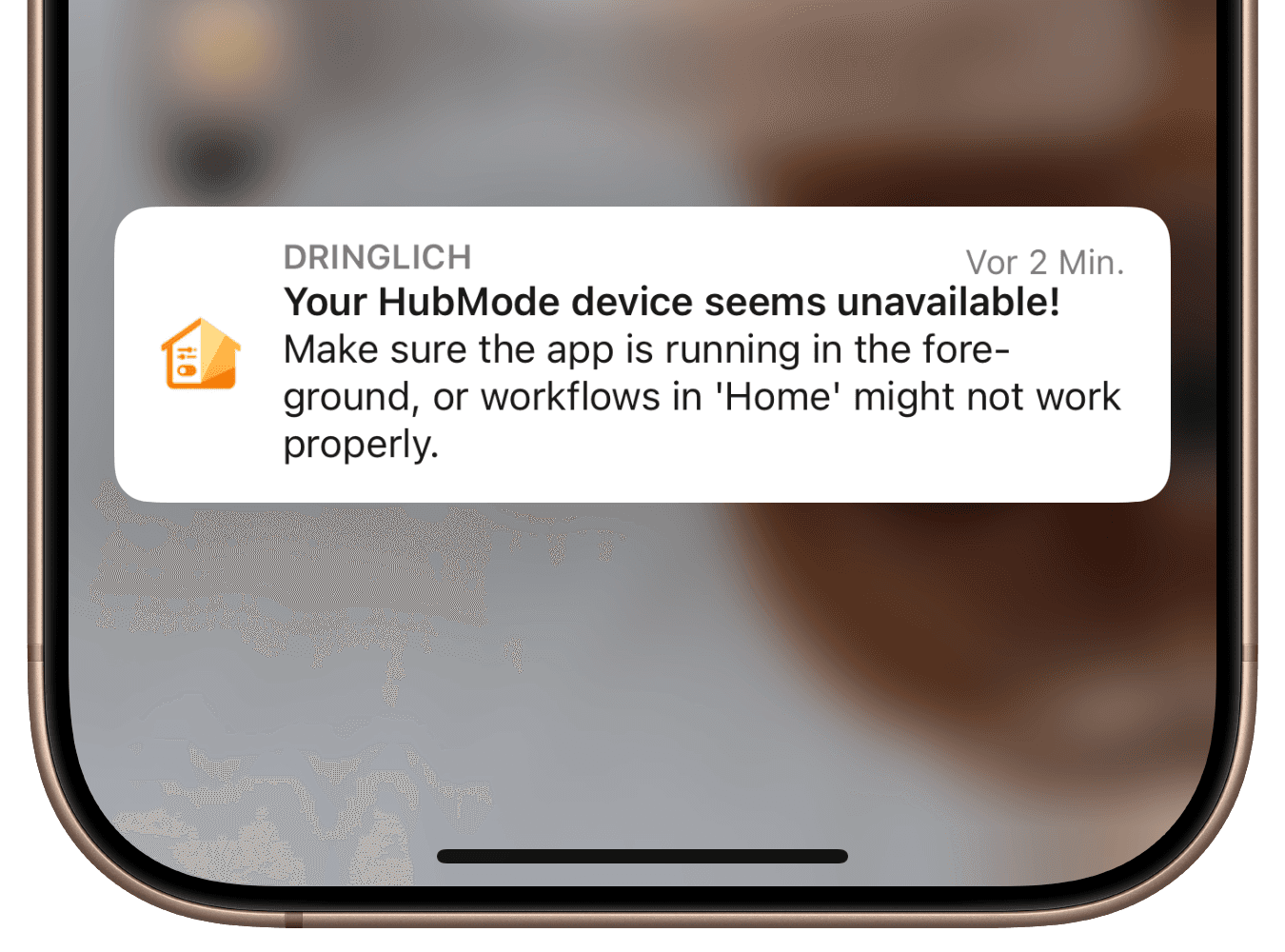
- Ensure Controller for HomeKit remains open in the foreground - don’t switch apps or return to the home screen.