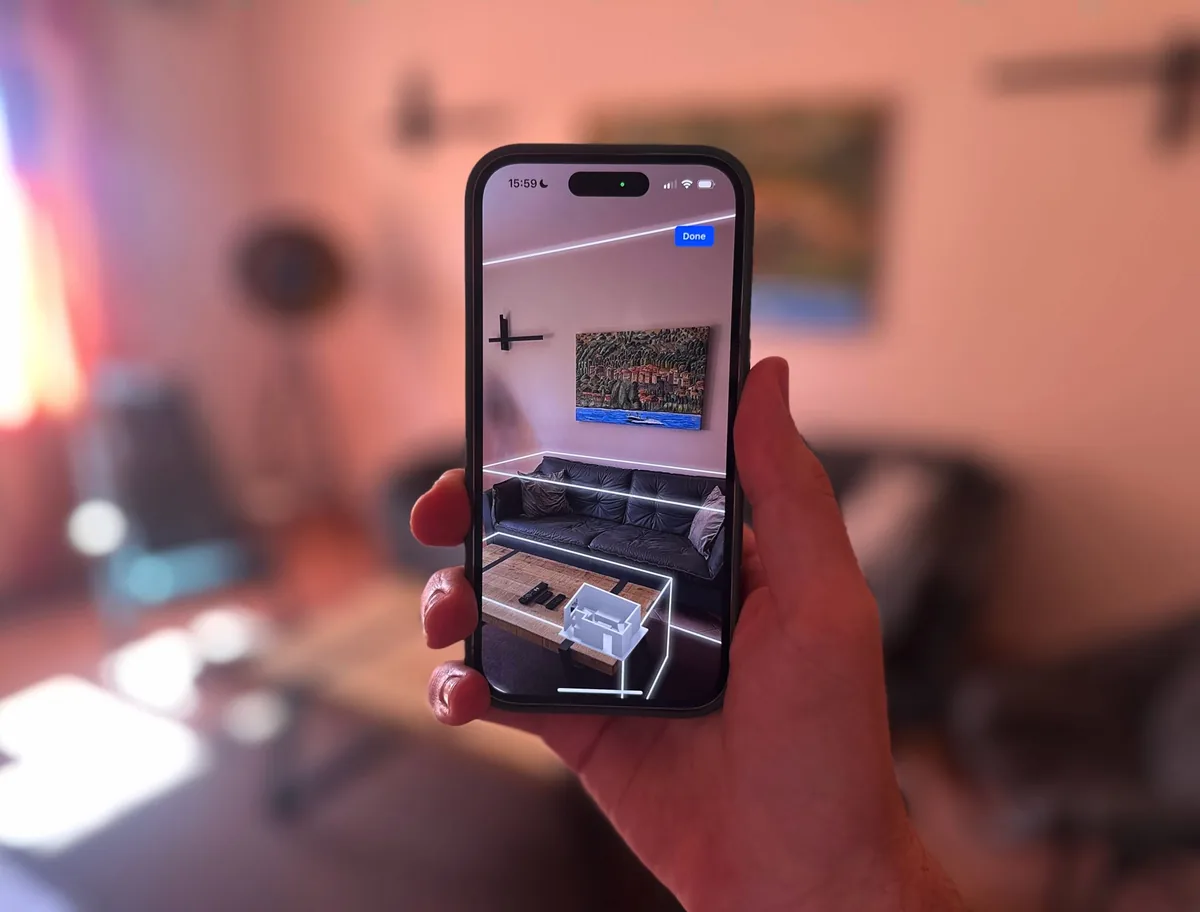
3D scan with LiDAR
Room by room with your iPhone or iPad. Controller joins everything into one model, with walls, windows and furniture.
Your home as a floor plan, scanned in 3D or from a picture. Instead of tapping through rooms and lists, you find every device at a glance.

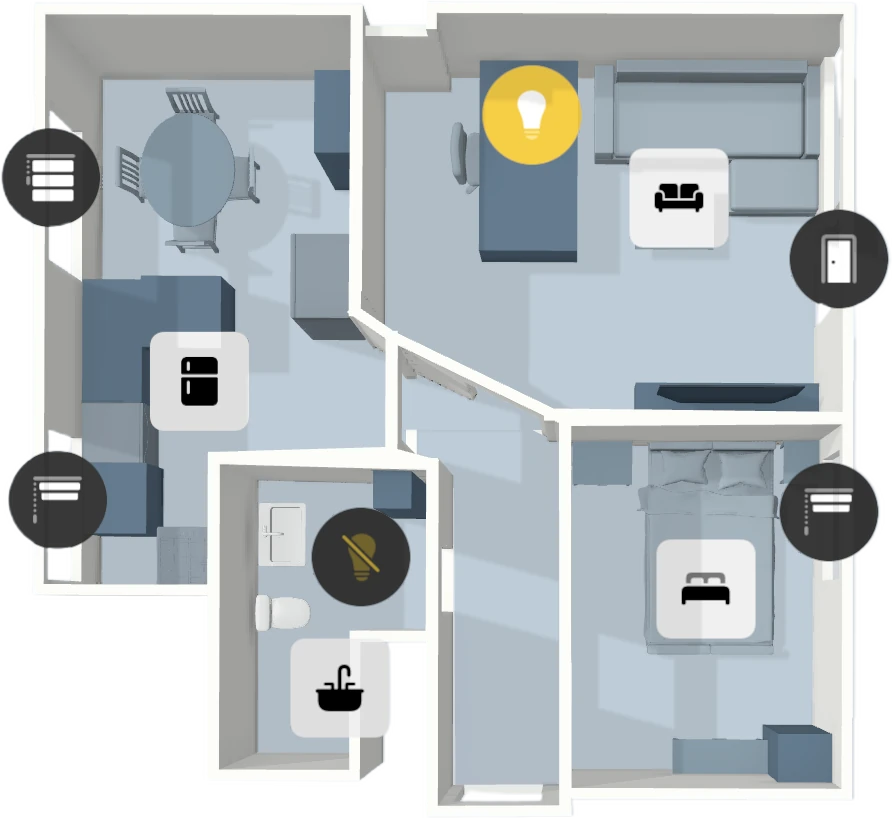
Room by room with your iPhone or iPad. Controller joins everything into one model, with walls, windows and furniture.
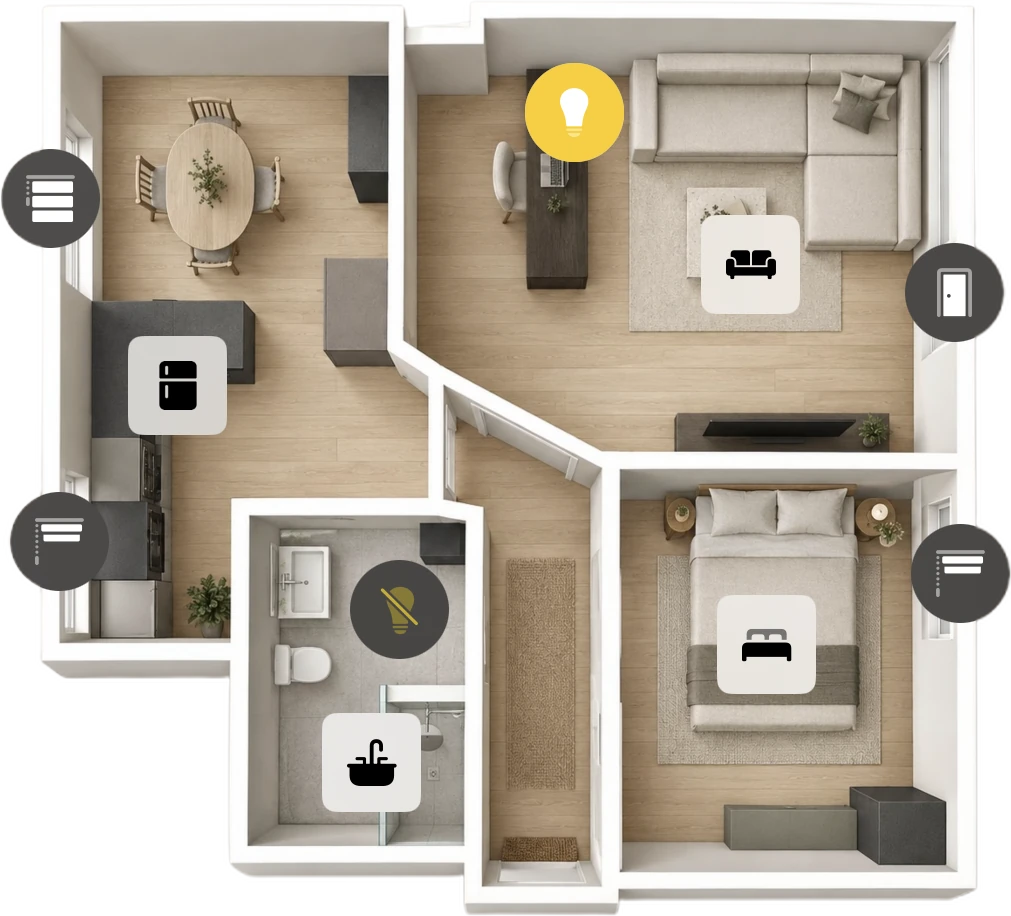
Instead of scanning your home, you can also use an image: a photo, a drawing, or your architect's floor plan. You then place your devices on it, no LiDAR sensor needed.
Every marker shows what is going on right now.
A long press opens the details.
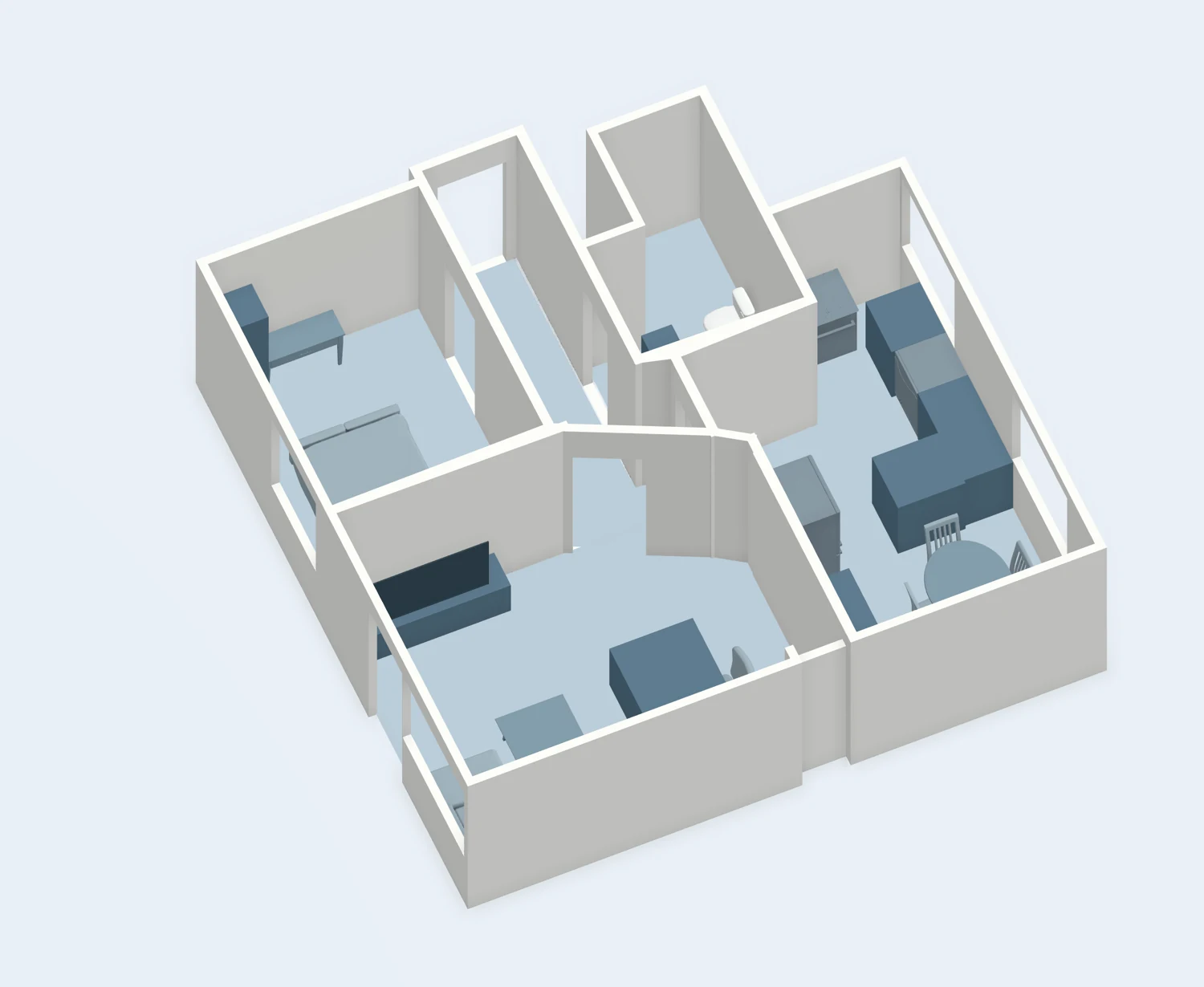
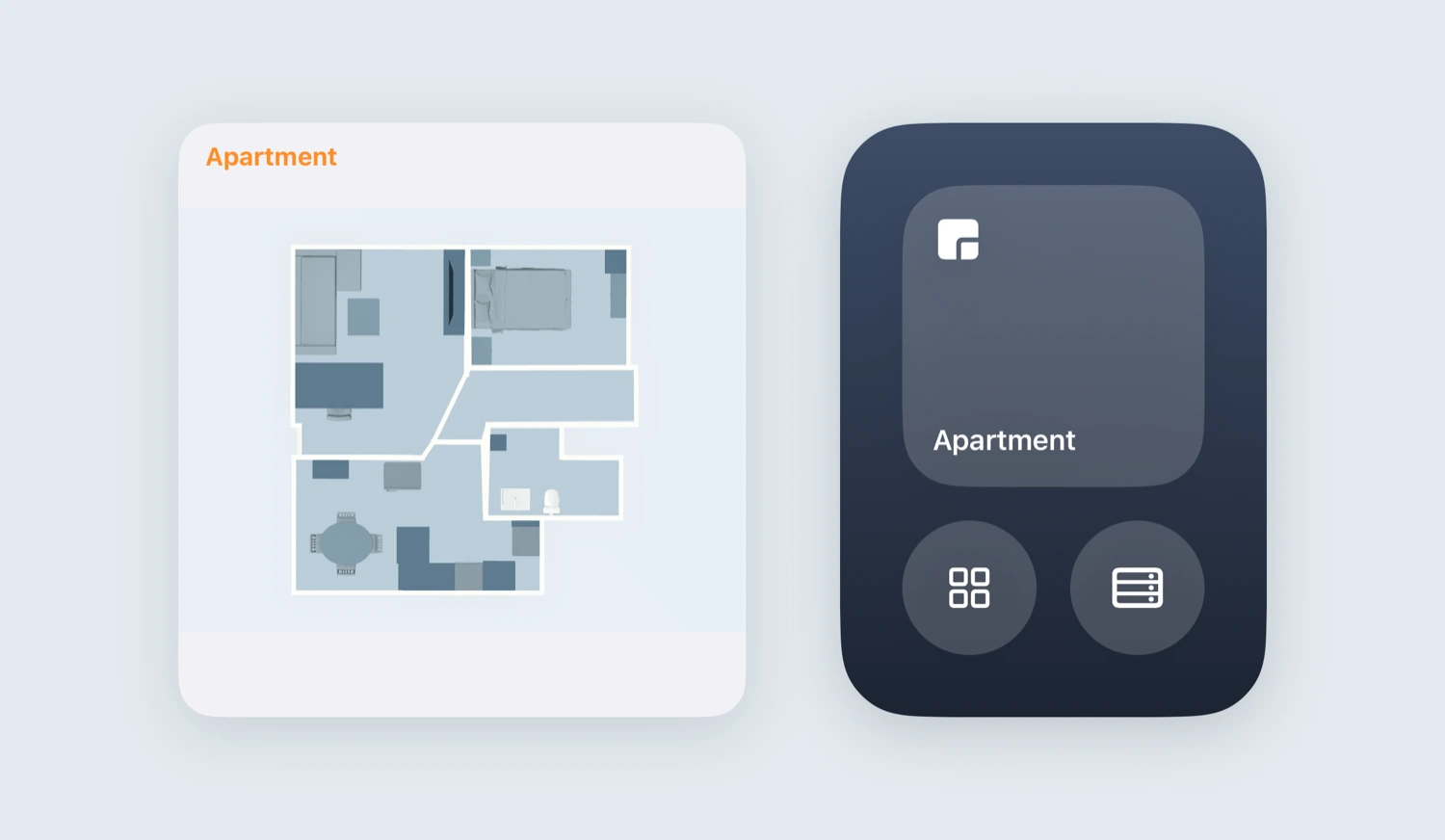
Every floor plan is a dashboard too. A widget, a Control Center button or a shortcut opens it directly.
More about DashboardsWhen you share your setup, the people you invite use your floor plans too. Only you can change them.
More about Home SharingThe 3D scan needs a device with a LiDAR sensor: an iPhone Pro from iPhone 12 Pro onwards, an 11" iPad Pro from the 3rd generation or a 12.9" iPad Pro from the 5th generation. Without LiDAR, simply use a picture as your floor plan.
The scan runs on your device through Apple's RoomPlan. What gets saved is the finished model of walls, windows and furniture.
Any picture in your photo library: a photo, a drawing or your architect's plan. You can replace it with another one later.
Yes. Create a 3D scan of the house and a picture for the garden, for example. Every floor plan is a dashboard of its own.
Yes. The app has an example floor plan where you can place devices and try the zoom stages. Nothing is saved.
They help on large floor plans with many devices. You set how close each stage is, and from which stage each device appears. Further out it stays a small dot that still shows whether it is on.
Scanning, picture floor plans and zoom stages, step by step: Open documentation