Govee Matter Floodlight, Airversa Humelle, and tvOS 27 Beta
This week in smart home: A bright outdoor floodlight with Matter, a humidifier with Thread, and the public betas of tvOS 27 and HomePod Software 27
This week in smart home: Govee launches a bright outdoor floodlight with Matter, Airversa reveals a humidifier with Thread, and Apple releases the public beta of tvOS 27 and HomePod Software 27. Plus a firmware fix for the Hue Bridge Pro and a tip for outdoor motion automations.
Govee Outdoor Wall Floodlight: 3,000 Lumens with Matter
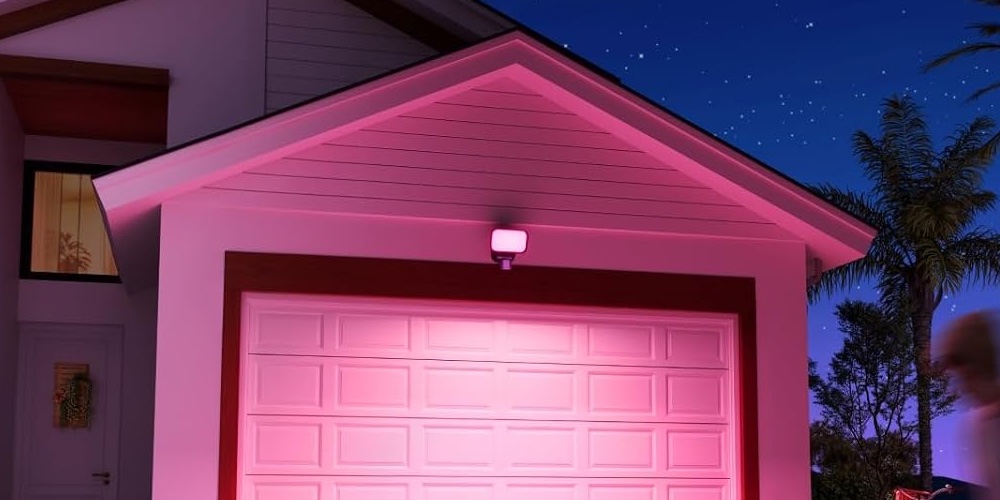
Govee's new outdoor floodlight shines with up to 3,000 lumens and covers 16 million colors. A built-in motion sensor detects 120 degrees and reaches up to 15 meters. It connects over Matter-over-WiFi, and in Apple Home you can control power, color, and brightness. Whether the motion sensor works as an automation trigger is still unclear.
Airversa Humelle: Humidifier with Thread
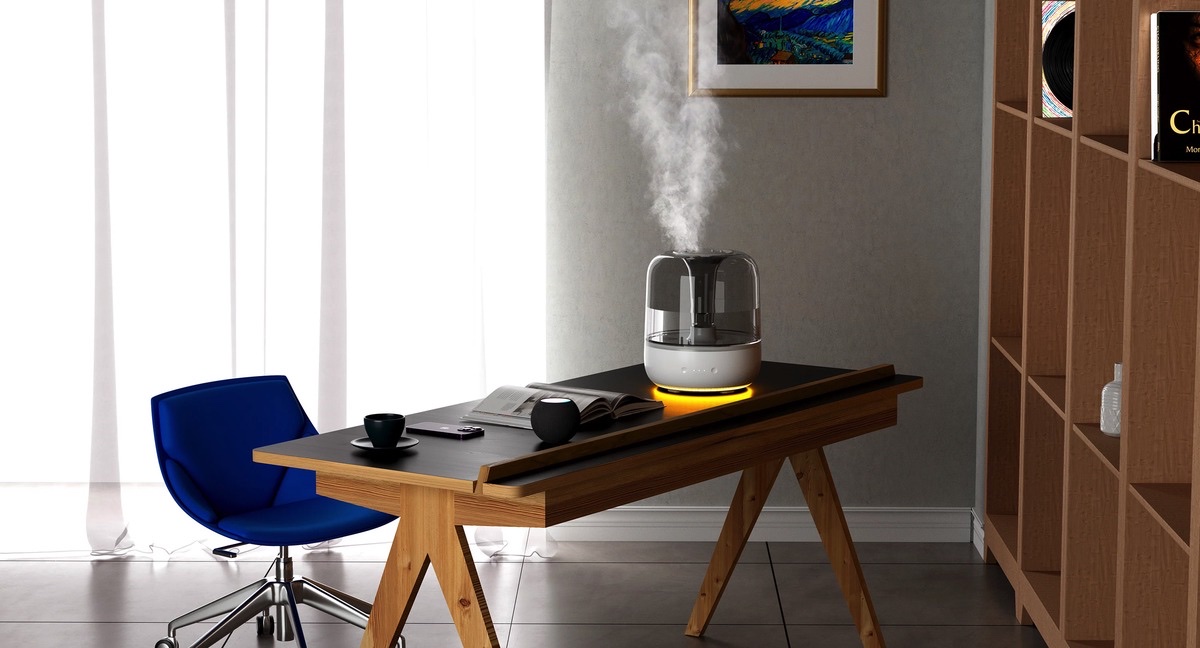
The Humelle holds 3.2 liters and runs for up to 60 hours at a time. It connects directly over HomeKit-over-Thread to Apple Home, with a Matter update announced. Sensors regulate humidity automatically, joined by a sleep mode and a dimmable ring light. Setup requires a HomePod or Apple TV as a Thread border router.
Worth Watching: Schlage Sense Pro Review
Eric Welander reviews the Schlage Sense Pro. The smart lock unlocks the door hands-free via ultra-wideband as soon as you approach. It is not yet available in all markets.
In Brief
Philips Hue: Firmware Fix and App Update
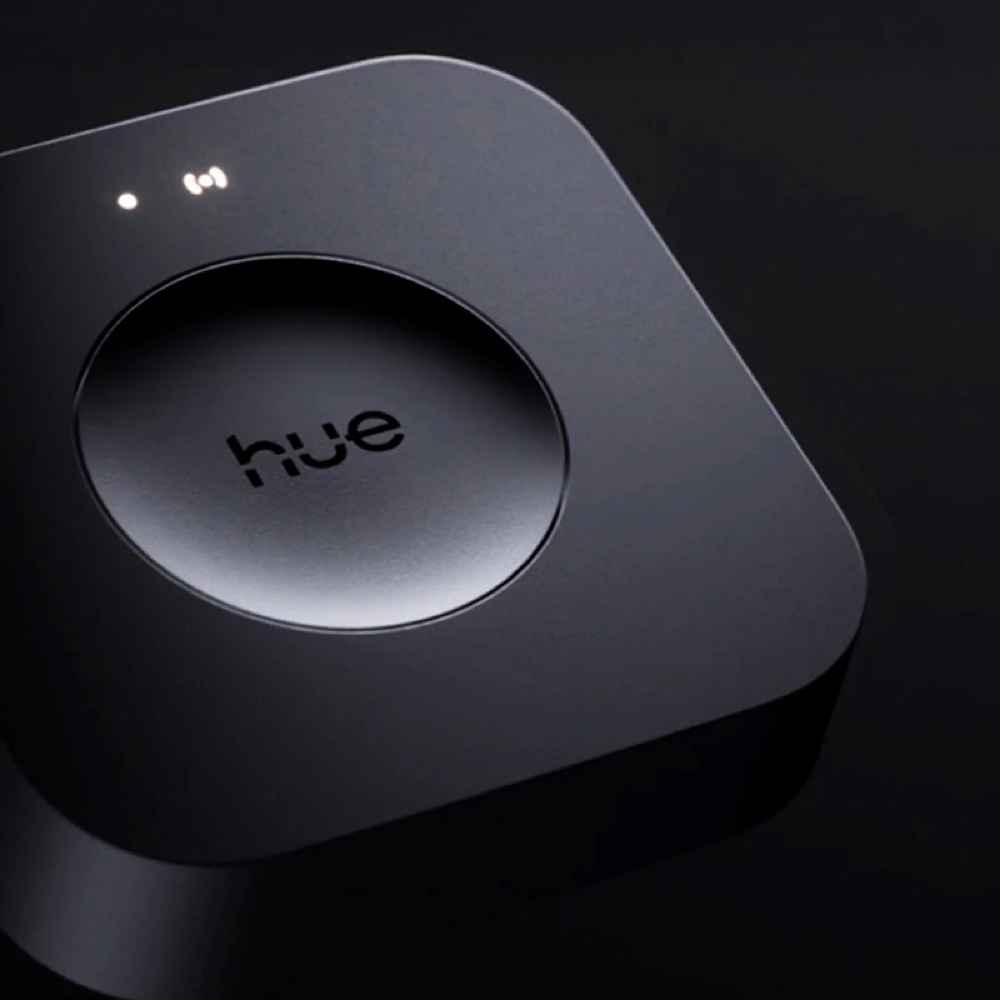
A firmware update for the Hue Bridge Pro fixes a bug that prevented recovery when automatic updates were disabled. Fewer than 100 devices worldwide were affected. The Hue app 5.71.0 simplifies MotionAware zone setup and improves WiFi reconnection for Hue Secure cameras and doorbells after network changes.
tvOS 27 and HomePod Software 27 in Public Beta
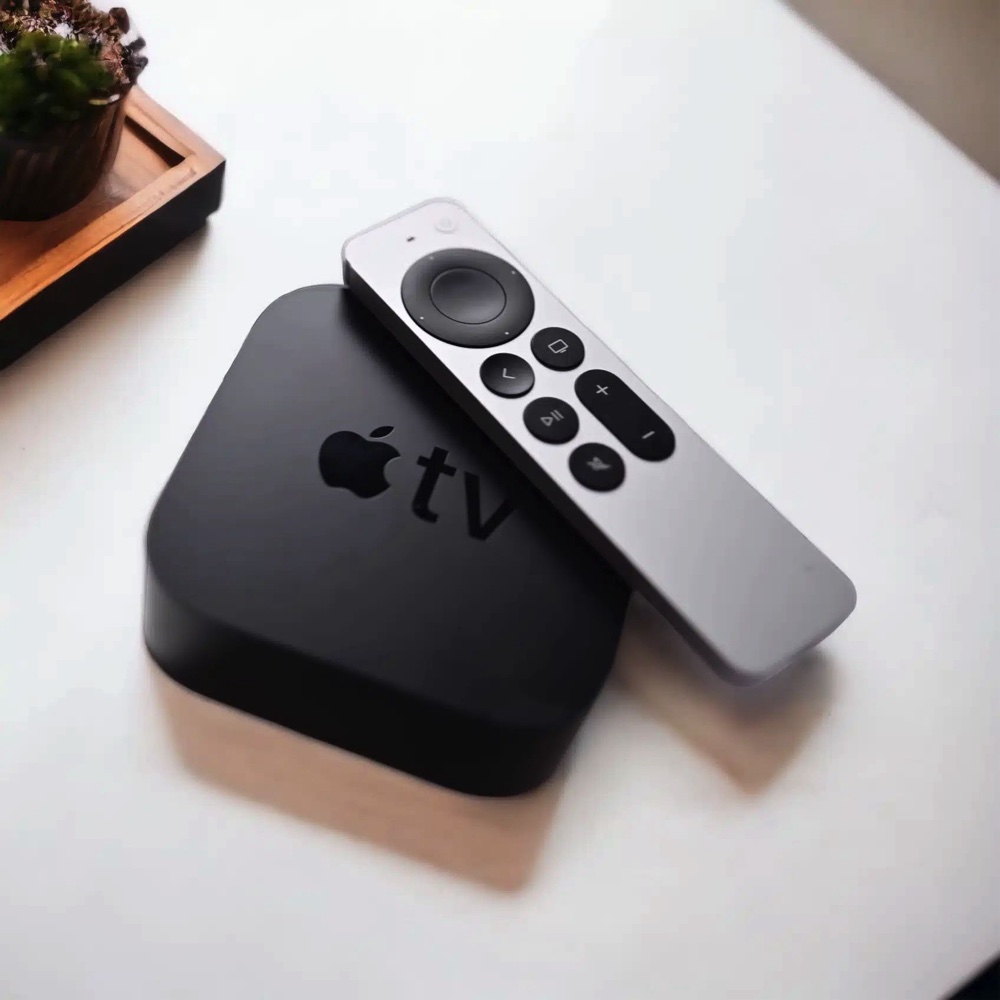
Since July 13, beta testers can install tvOS 27 and HomePod Software 27. Both add Thread 1.4, and updates can now be installed directly from the Home app. The new AI Siri is not yet available on Apple TV or HomePod. Apple advises against running the beta on primary devices.
Tip of the Week: Limit Motion Automations to Nighttime
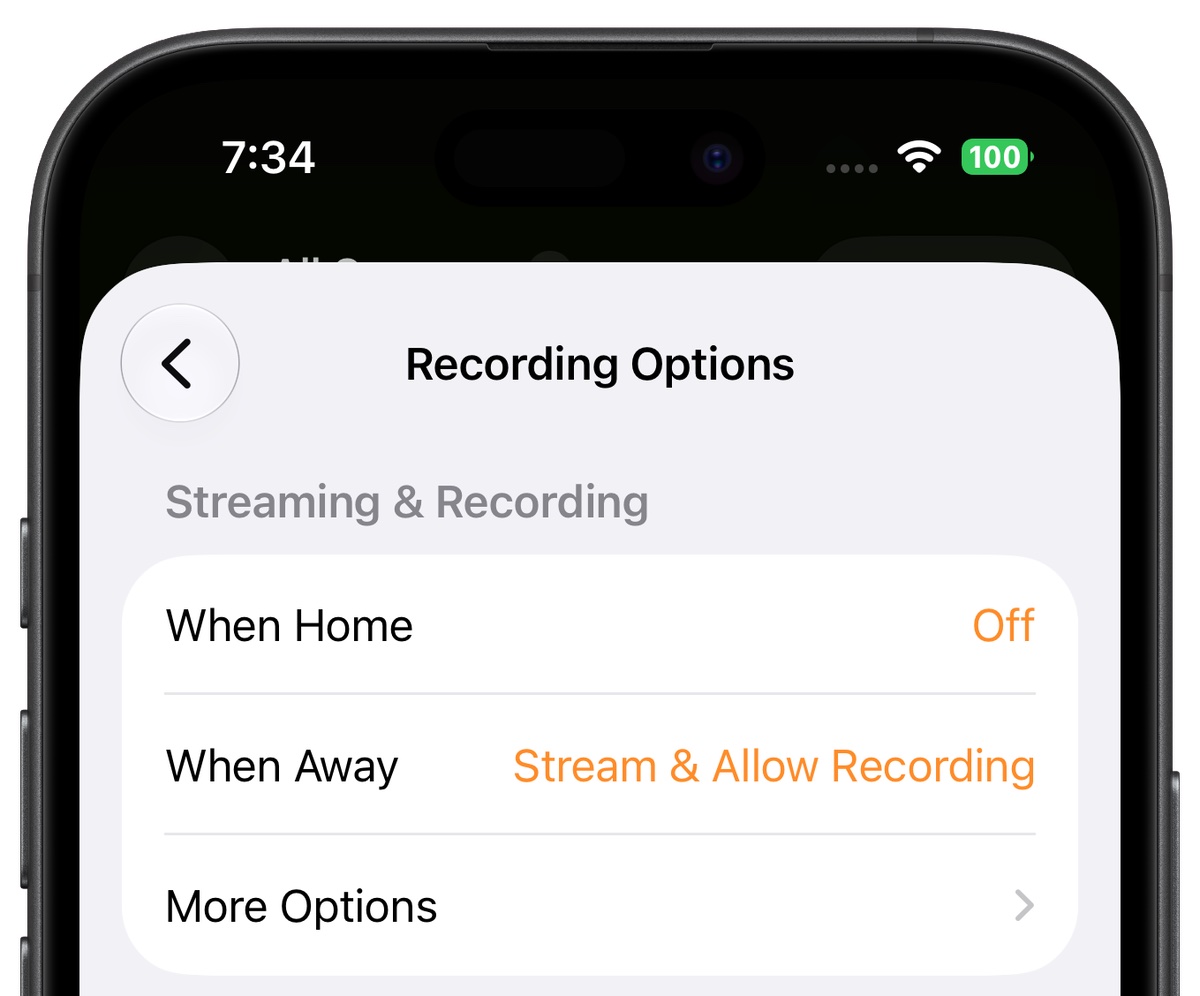
To keep your outdoor lights from turning on during the day when motion is detected, you can limit the automation by time. When creating the motion automation, choose the Time option and then At Night. Apple automatically accounts for sunrise and sunset at your location.
Disclosure: Links marked with * are advertising (affiliate links). If you purchase through these links, we receive a small commission. The price for you remains the same.