Controller 7.6
Smarter Workflows with Weather, Sunrise & Sunset Triggers, Relative Control - plus Controller Hub on Mac

We're excited to introduce Controller for HomeKit Version 7.6 - a powerful update that brings weather awareness, new workflow triggers, dynamic controls and UI improvements to elevate your smart home experience. From sunrise-based workflows to dynamic accessory adjustments, Version 7.6 makes workflows more intelligent, more flexible and more responsive to your environment.
Highlights
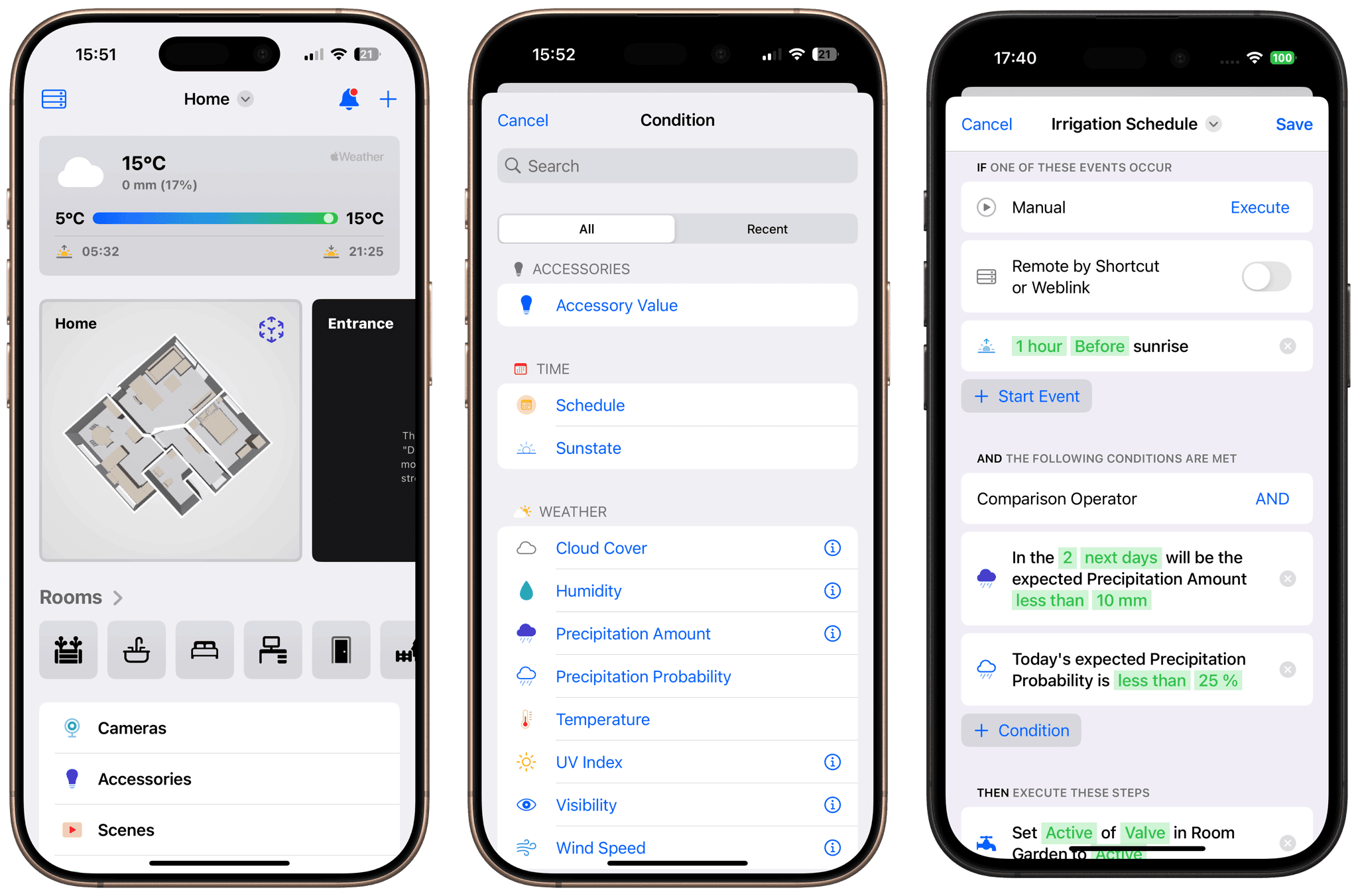
- Weather Integration: Set your location in the settings to display live weather on the start screen and unlock weather-based workflow possibilities. Use real-time data like temperature, humidity, UV index, cloud cover, wind speed and more as conditions in your workflows.
- New Start Events: Trigger workflows automatically at sunrise or sunset to align your routines with the natural rhythm of the day.
- New Steps - Repeat, Wait Until and Stop: Gain full control over workflow execution. Add repeat loops, pause until a specific time or stop a workflow entirely when needed.
- Relative Value Control: Adjust accessories dynamically - such as increasing brightness by 10% - without needing fixed values.
- Workflow UI Improvements: Enjoy a refined experience with improved condition handling and a clearer interface for adding and managing steps.
- Multi-Accessory Actions: Control multiple devices and their properties in a single step for more efficient, streamlined workflows.
- Smart Folders for Workflows: With all these new features, your list of workflows is bound to grow. To keep things organized, we've added smart folders and a powerful text search.
- Error Handling: You can now assign a device in the Workflow settings to get notified if something goes wrong during execution - so you're always in the loop when a workflow fails.
- Controller Hub on Mac: You can now enable Controller Hub directly on your Mac. Controller for HomeKit now runs as a Menu Bar app - look for the icon in the top-right corner of your screen instead of the Dock.
Make Your Workflows More Context-Aware
With Controller 7.6, your Apple Home setup becomes more powerful than ever. Imagine your garden sprinklers only activating when no rain is expected. Or your blinds gently closing at sunset, without you lifting a finger. Now you can build workflows that feel your environment - using real-time temperature, humidity or UV levels as intelligent triggers.
The new sunrise and sunset events open up a whole new way to align your home with natural light, perfect for morning and evening routines. And thanks to relative control, you no longer need to think in fixed numbers. Want to dim the lights just a bit more? Just add 'decrease brightness by 10%' - and you're done, instead of setting a fixed value. You can even toggle accessory states now - no need to define a target value when switching something on or off.
With repeat loops and wait steps, you can now build workflows that adapt to real-life scenarios step by step. And if something changes along the way, you can now stop a workflow mid-execution if a condition is no longer met. Combined with the redesigned UI, building workflows that feel natural and responsive has never been easier.
One More Thing
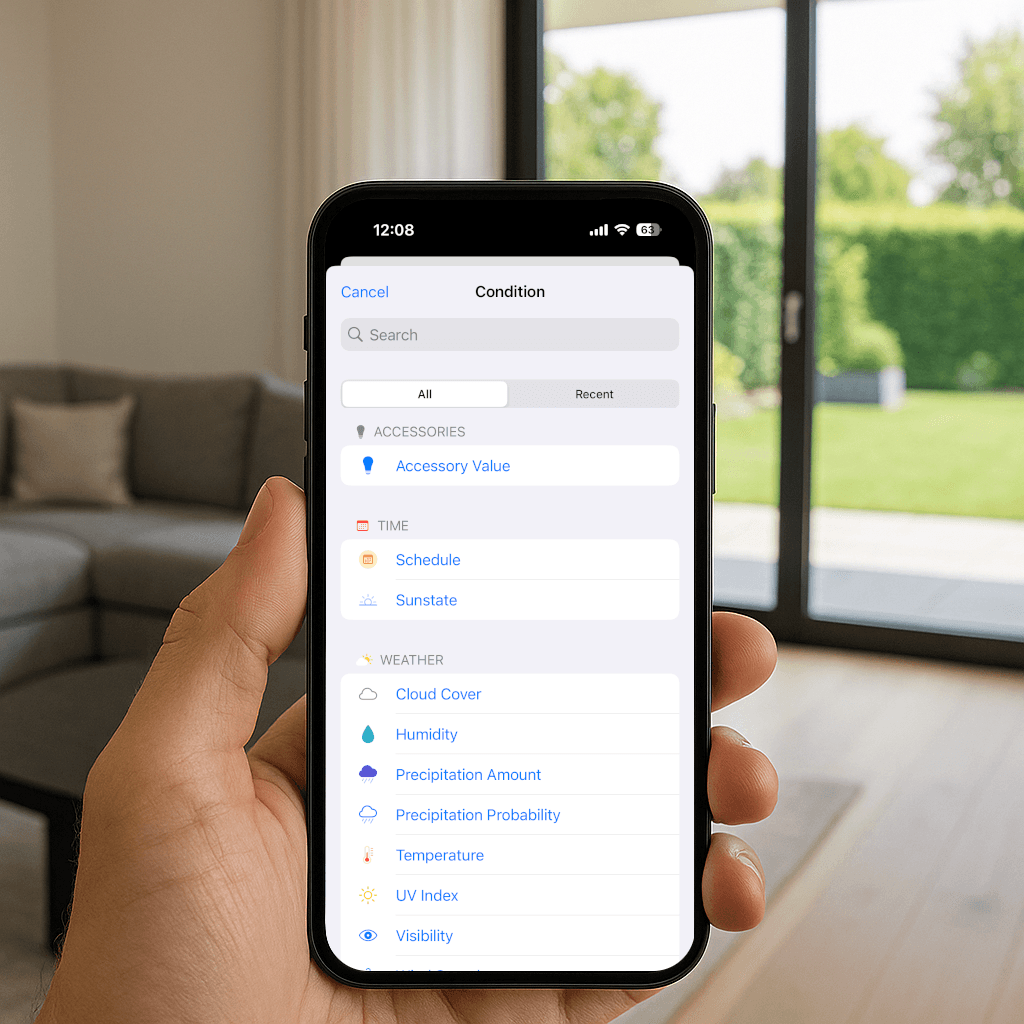
If you don't have a spare iPhone, iPad or Apple TV lying around - but you do have a Mac that's always on, Controller Hub on Mac is the perfect fit. Controller quietly runs in the menu bar, ready to power your workflows anytime.
This update is all about giving you more control, more flexibility and more intelligence - so your home truly works for you.