Carbon Dioxide Alert

In many smart home scenarios, it's not enough to know a value - you want to be notified as soon as it crosses a critical limit. A typical example is air quality: if the CO2 level gets too high, you should be reminded to ventilate the room. This step-by-step guide shows how to trigger a notification when a CO2 threshold of 1000 ppm is exceeded.
Start Event
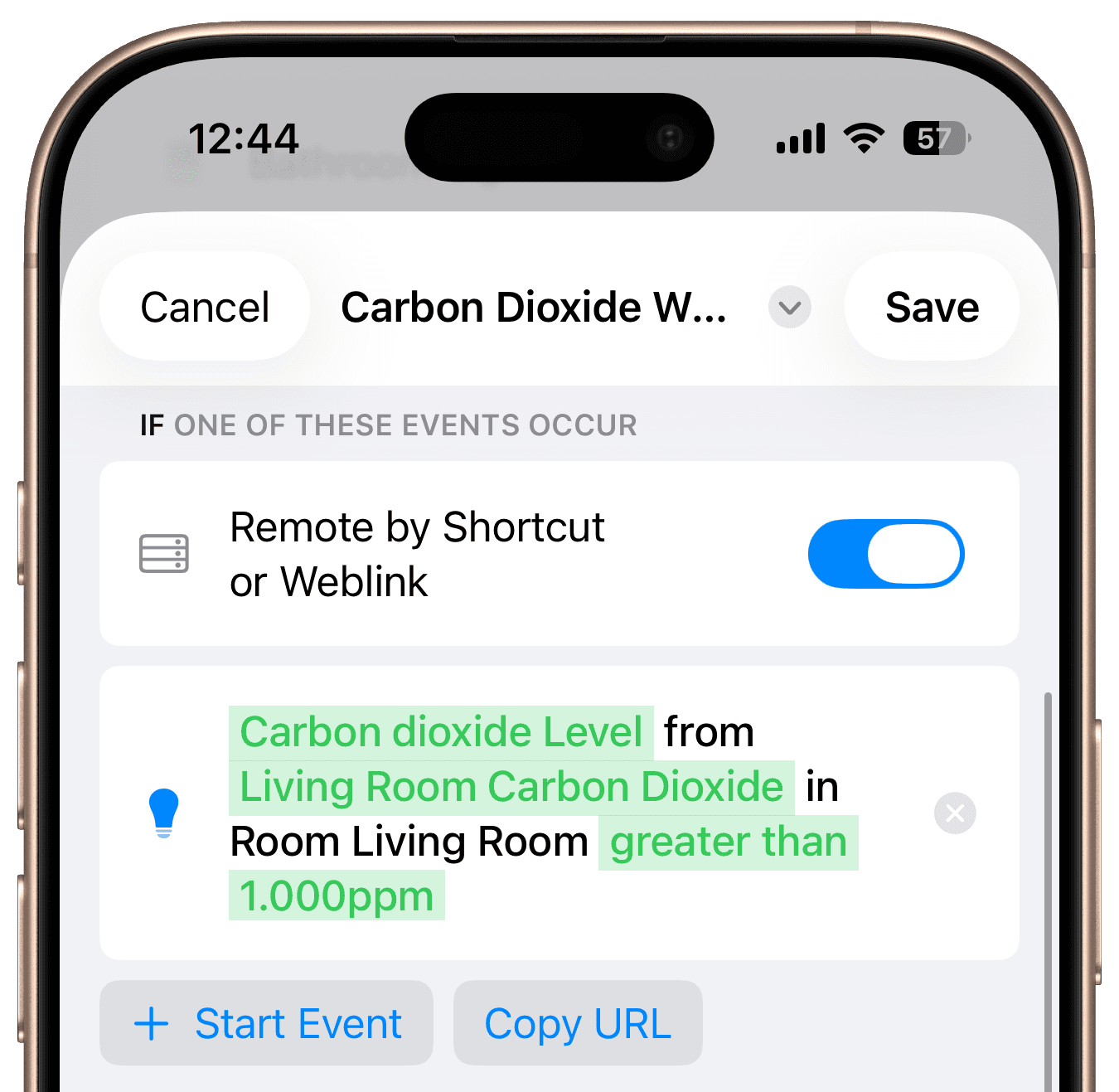
First, add the start event for your workflow. In this case, the workflow is triggered when the CO2 value of a sensor exceeds a defined threshold. Select "Accessory Value" and choose the corresponding CO2 characteristic. Set the trigger to activate when the CO2 level rises above 1000 ppm.
Steps
Add the Step "Get Accessory State"
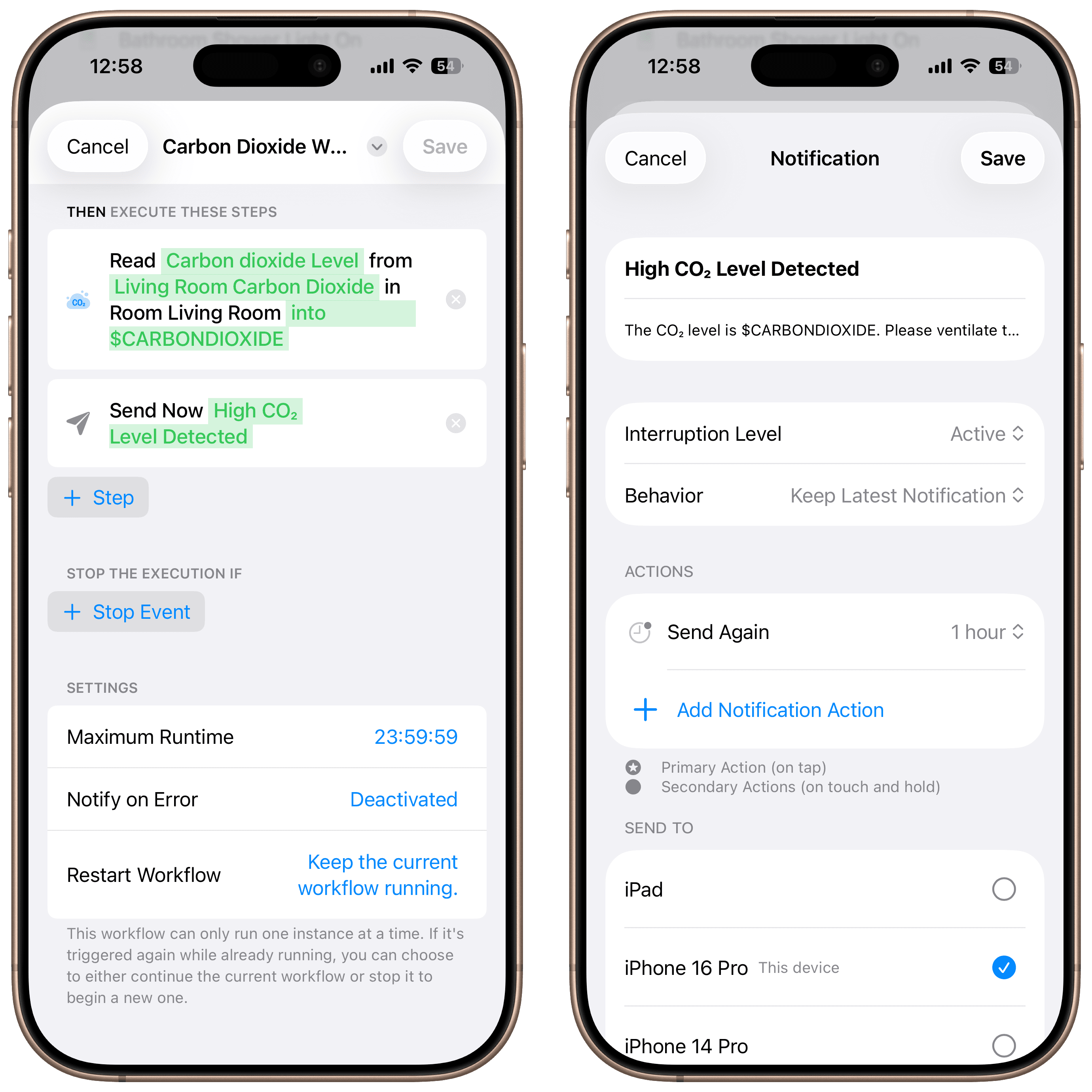
Add the "Get Accessory State" step to retrieve the current CO2 level from the sensor. The value is stored in the variable P1 by default, which you can rename if needed. We rename it to "CARBONDIOXIDE" for clarity.
Add the Step "Notification"
Next, add the "Notification" step. Use "High CO2 Level Detected" as the title. In the text field, enter:
"The CO2 level is $CARBONDIOXIDE. Please ventilate the room to improve air quality."
The dollar sign ensures that the variable "CARBONDIOXIDE" is inserted dynamically, replacing the placeholder with the actual sensor value.
Final Overview
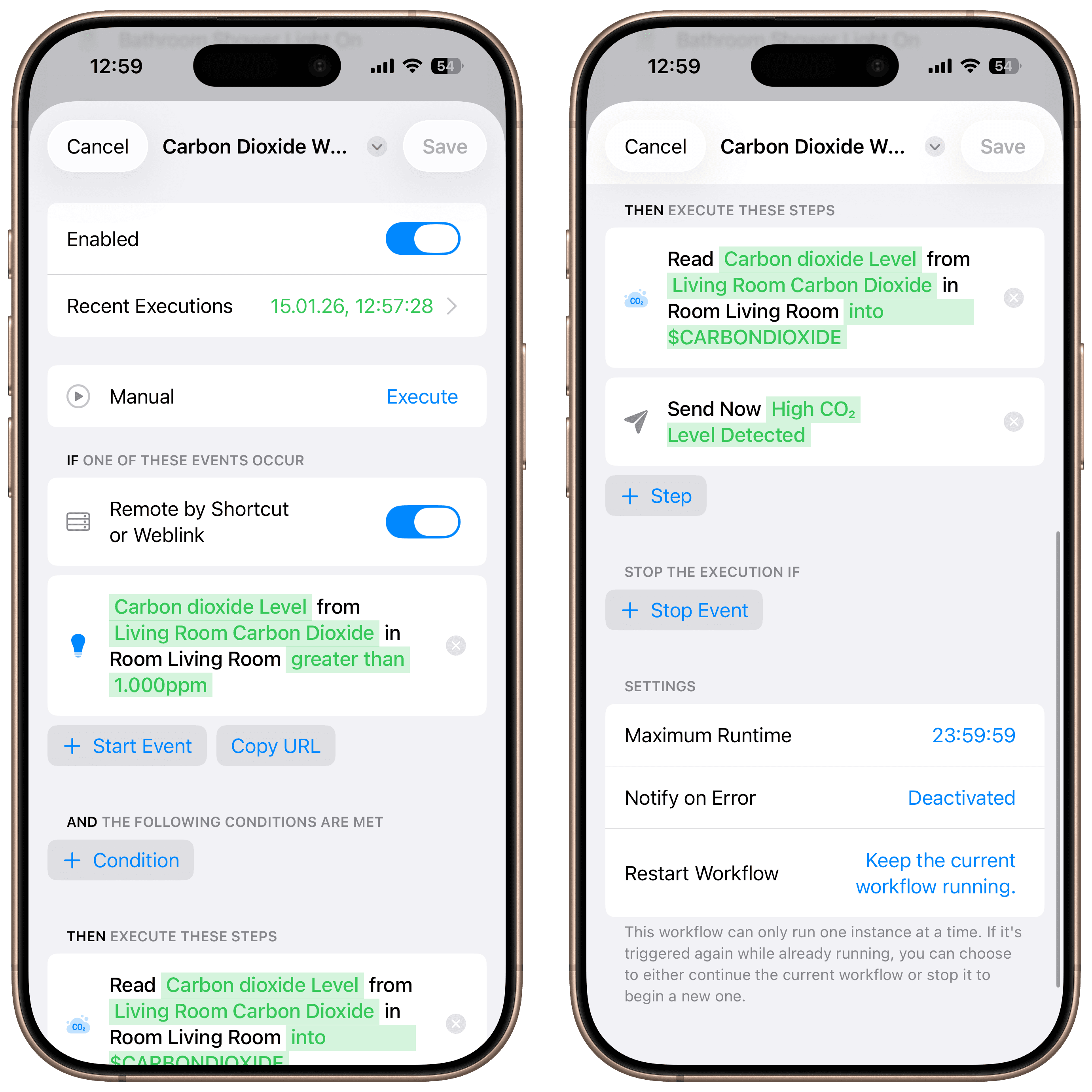
As soon as the CO2 concentration exceeds 1000 ppm, you'll receive a notification including the current value and a clear reminder to air out the room. Automatic execution of this workflow requires a device with Controller Hub enabled.

Get Inspired
Meeting Light
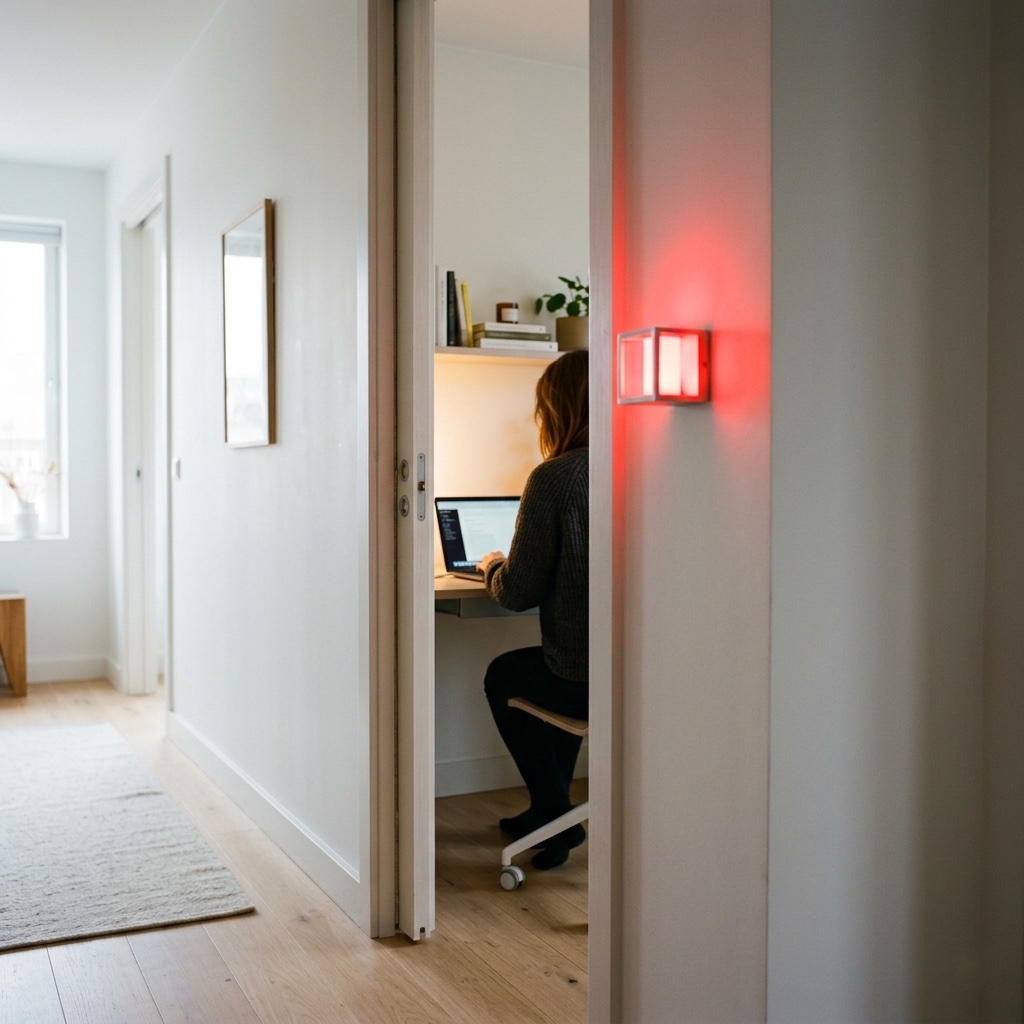
Uses light color to show whether you’re in a meeting.
Waste Calendar
Never forget the bin again – with colored light and speech.
Carbon Dioxide Alert
Get notified when CO₂ levels exceed 1000 ppm.

Location-Based Workflow
Automate your routines based on where you are.
Laundry Done Alert
Receive a notification when your washing machine has finished.

Beat the Heat
Automatically close your blinds on hot days.
Wake-Up Light
Use any Apple Home Lamp as a Wake-Up Light.
Irrigation Schedule
Keep your garden green.
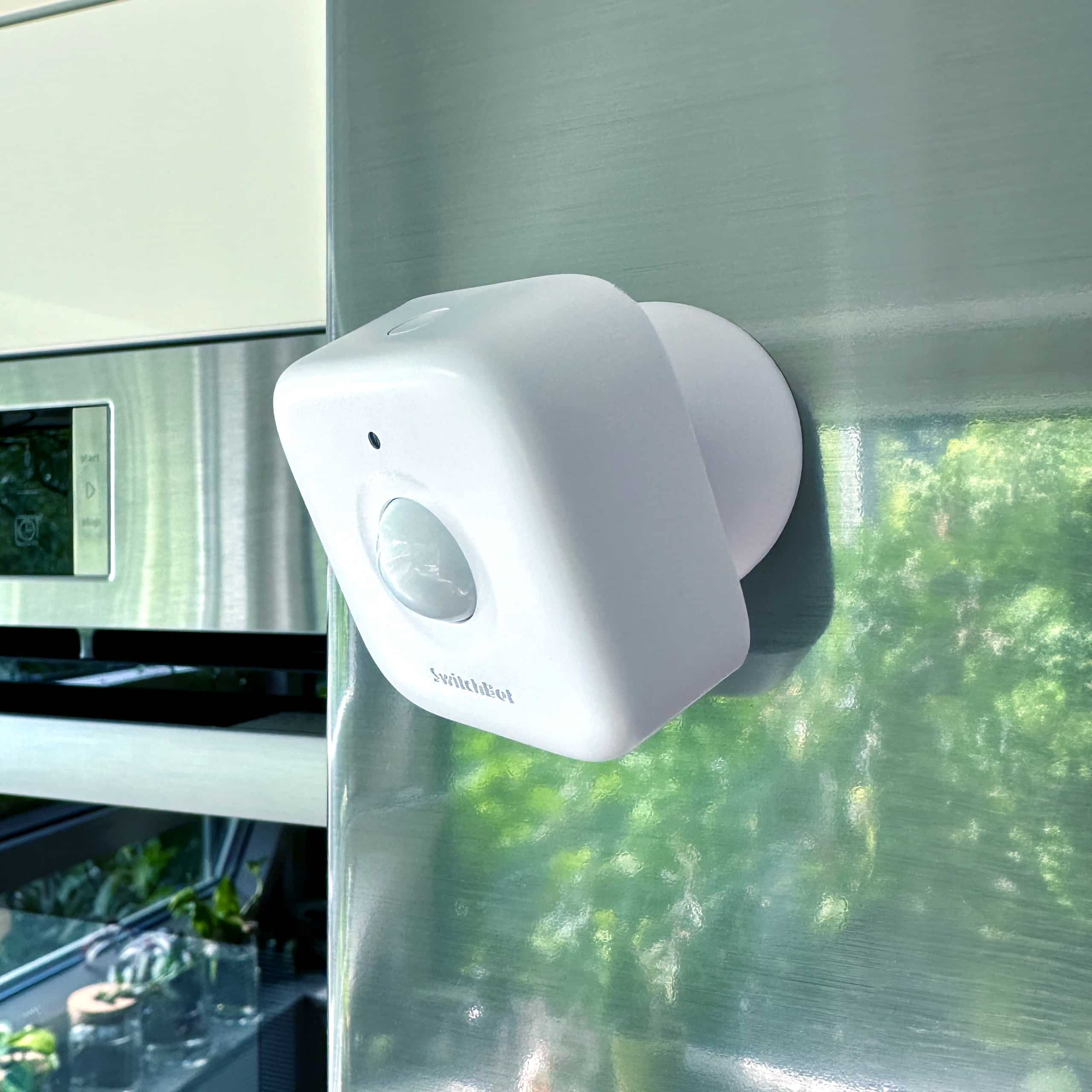
Control Lights with Multiple Motion Sensors
For large or irregularly shaped spaces.
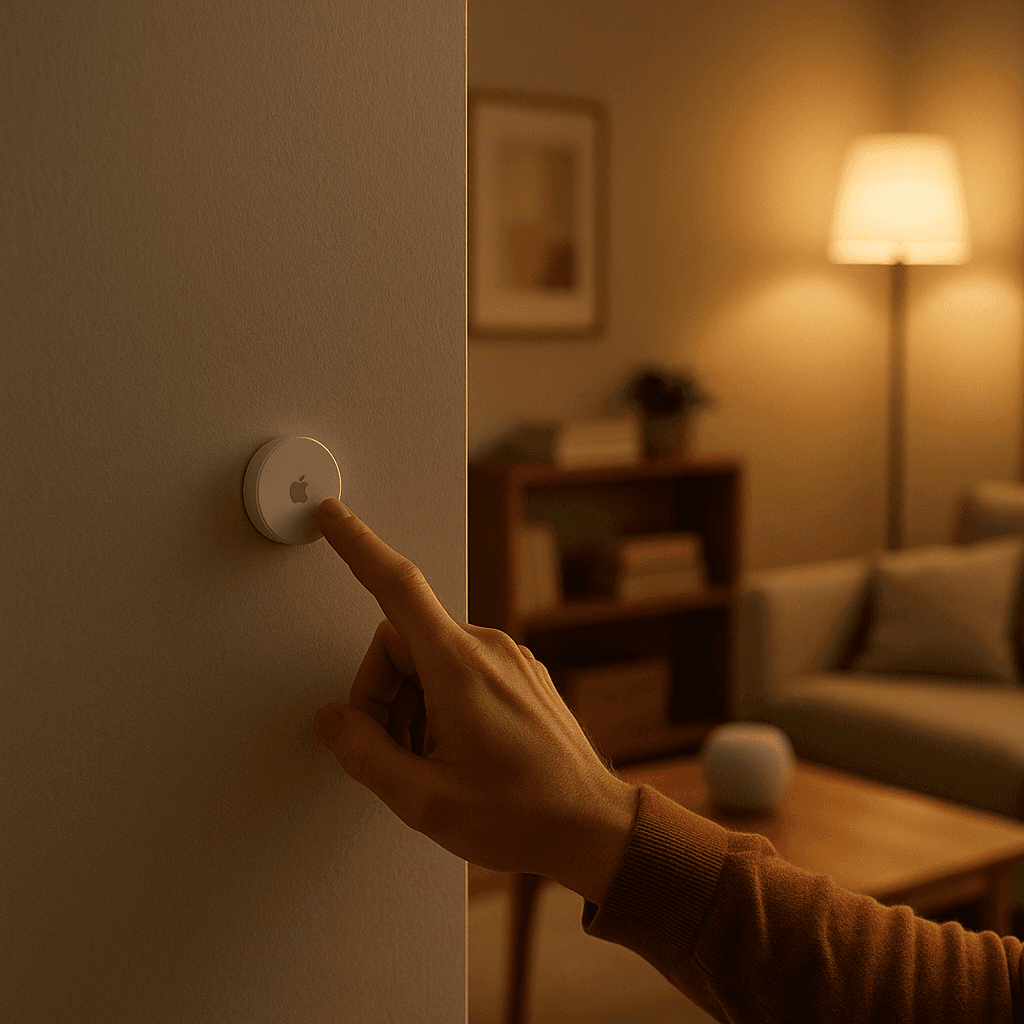
Stepwise Brightness Control via Button
Control light brightness step by step.
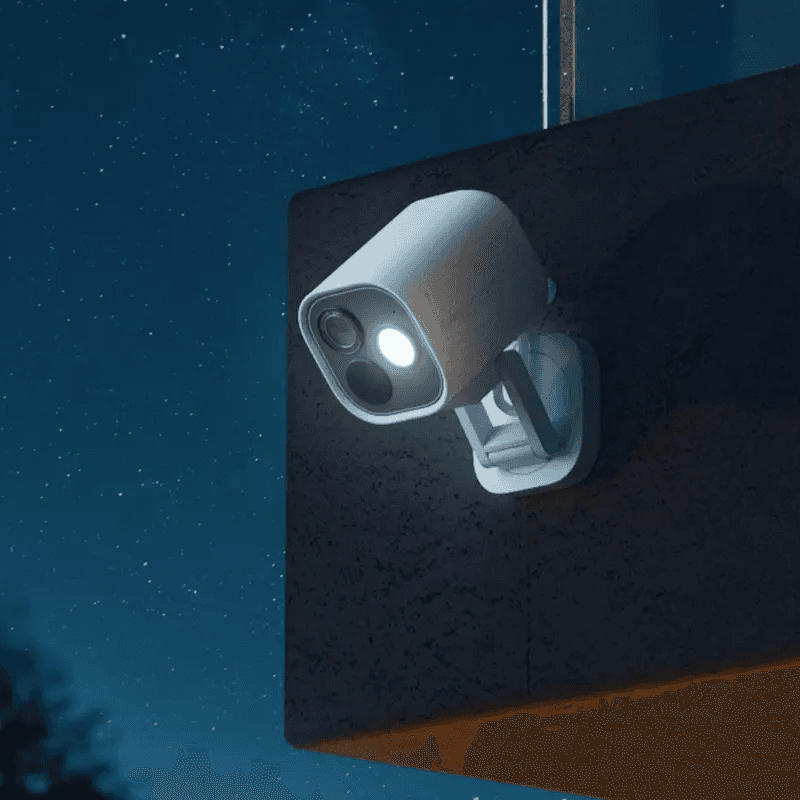
Custom Notification with Live Camera Feed
Open the camera stream instantly.
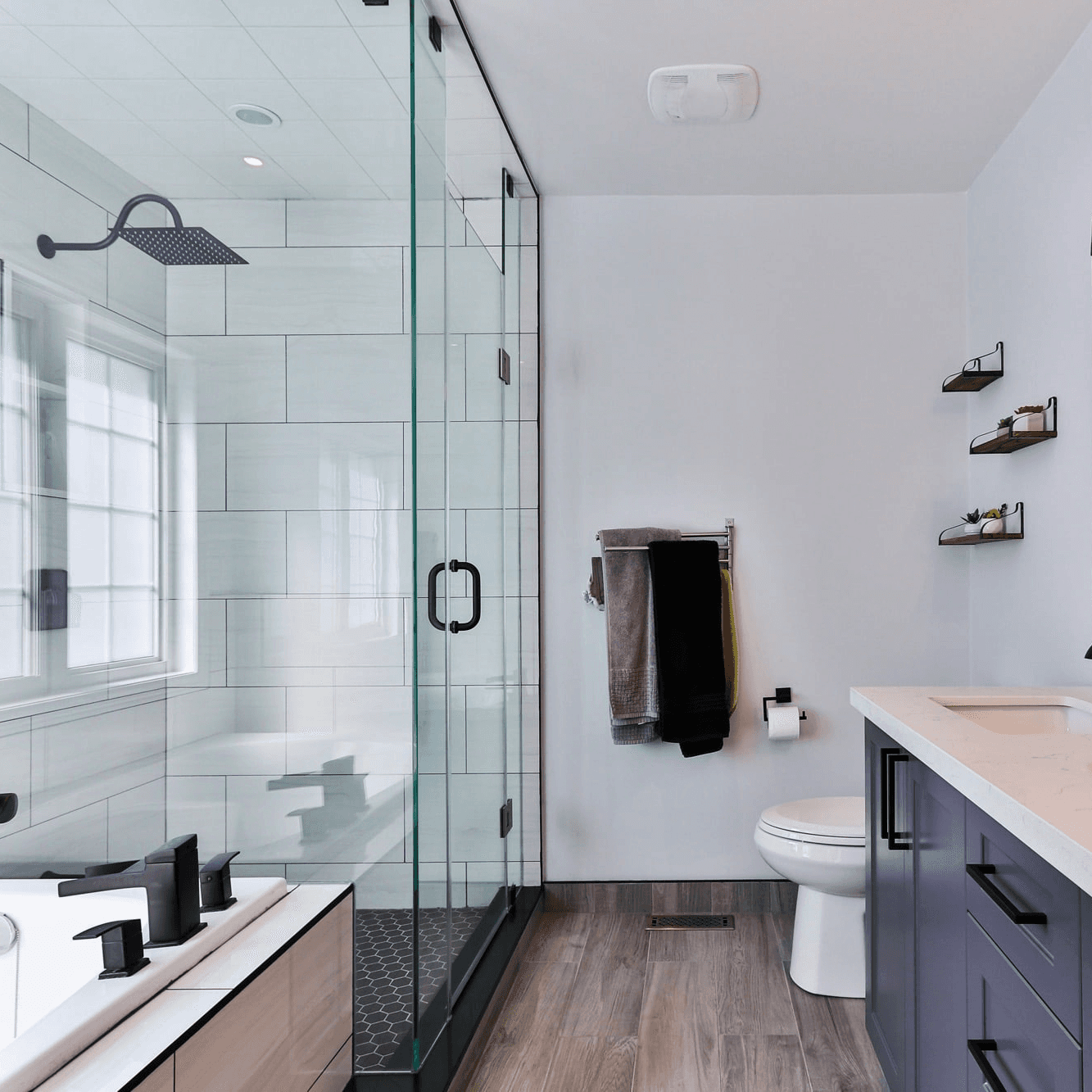
Smart Bathroom Fan Control
Make your fan truly intelligent.
New Mail Notification
Get notified when new mail arrives.
Integrate Speakers into Workflows
Control volume, play music, or pause playback.
Battery Warning
Get battery alerts when they matter.
Sleep Timer
Use a sleep timer with Apple Home.

Execute Workflow Only Once a Day
Ensures the workflow runs only once.
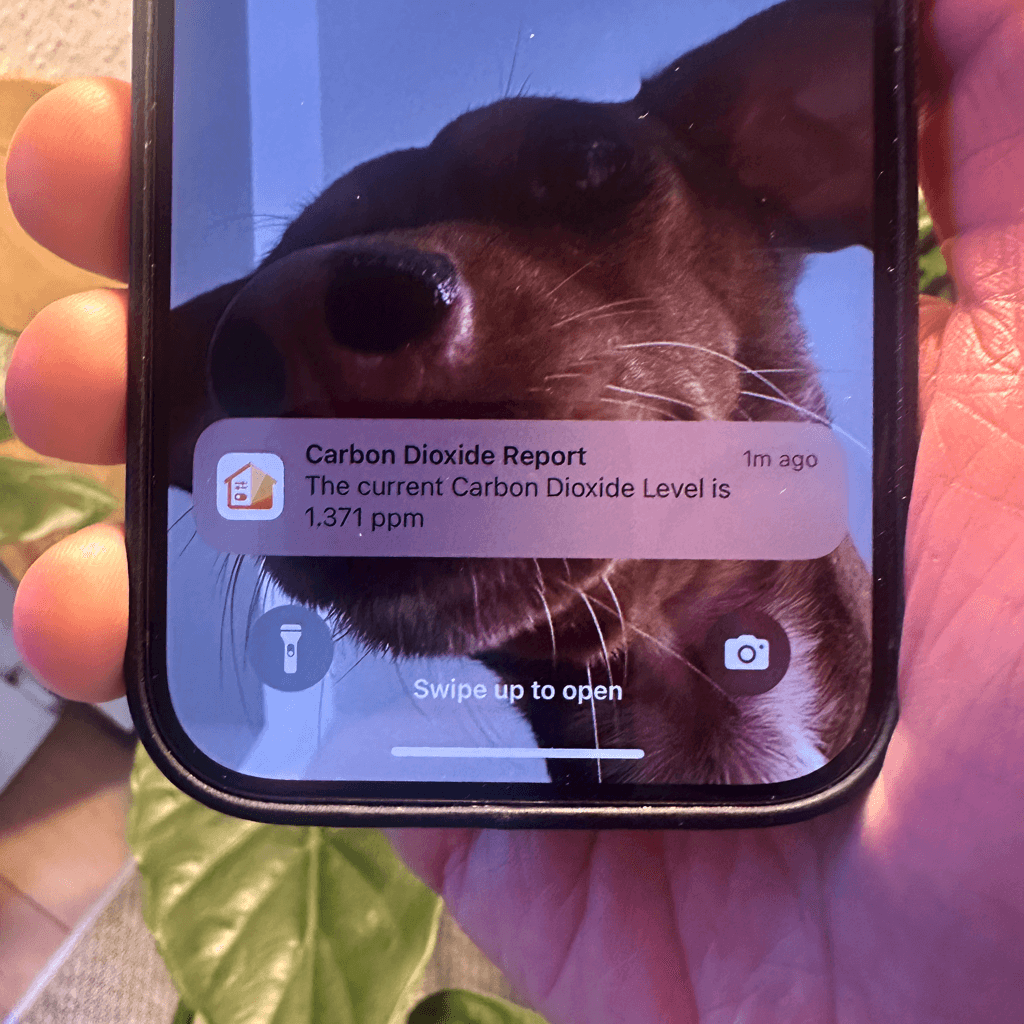
Accessory Values in Notifications
Send notifications featuring real-time accessory values.
NFC Tags
Automate Apple Home Accessories with NFC.
Blink Lights
Make a light blink and effortlessly return it to its original state.
Display Camera When Motion Is Detected
Automatically display the camera livestream whenever motion is detected.
Open Window Reminder
Get a reminder if you forget to close a window after ventilating.
Toggle Lamp
Easily toggle a lamp using a single switch.
Turn Light Off Using Motion Sensor
Efficiently control your lighting with a motion sensor.